
Turn Your iPhone Into An iPod: Focus on Music, Not Distractions
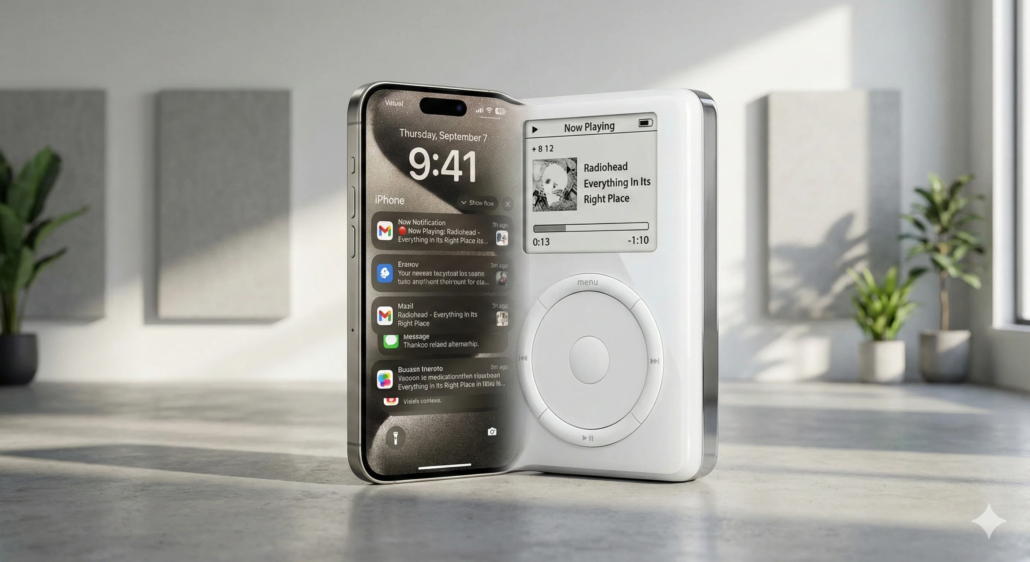
Remember a time when your portable music player was just that – a music player? No pings, no notifications, no endless social media scrolls. Just you and your tunes. In today’s hyper-connected world, our iPhones are amazing, but they’re also a constant source of distraction. What if you could reclaim that pure listening experience? What if you could literally turn your iPhone into an iPod again, transforming your pocket supercomputer into a dedicated audio powerhouse?
Here at Tony Reviews Things, I’m all about making technology work for you, not against you. And today, we’re diving deep into how you can “iPod-ify” your iPhone. Get ready to strip away the digital noise and rediscover the simple joy of focused listening.
Rediscover Pure Music: Why Turn Your iPhone into an iPod?
The Digital Overload Dilemma: Constant Pings and Prods
Let’s be honest: our phones are amazing, but they’re also digital vampires sucking away our attention. Every notification, every badge, every vibration pulls us out of the moment. This constant digital fatigue isn’t just annoying; it can genuinely impact our ability to focus and relax.
The Joy of Focused Listening: A Blast from the Past
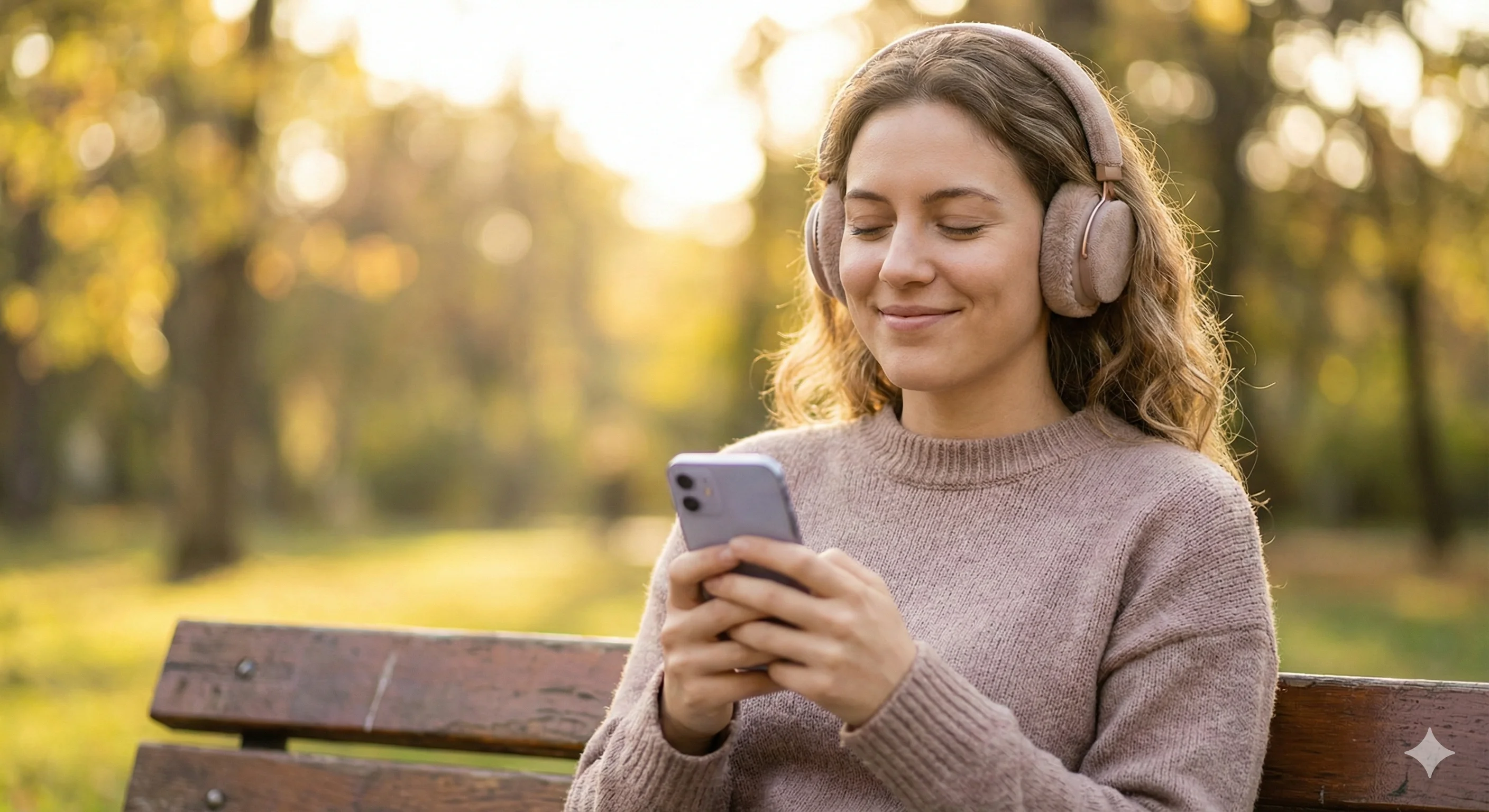
Think back to the original iPod. It did one thing, and it did it exceptionally well: play music. By intentionally limiting your iPhone’s functions, you can step back into that golden age of focused listening. It’s about creating a personal sanctuary for your audio, free from the digital cacophony.
- Combat digital fatigue and notification anxiety.
- Enhance music appreciation by removing visual distractions.
- Reclaim battery life for extended audio sessions.
Phase 1: The Software Purge – Stripping Down for Sound
Pruning Your App Garden: What Stays, What Goes?
The first step to making your iPhone a pure music machine is brutal honesty. Go through your apps. Do you really need TikTok, Instagram, and a dozen news apps accessible at all times? Probably not if you’re trying to focus on music. Delete or offload anything that isn’t essential.
Crafting a Dedicated Music Environment with Focus Modes
Apple’s Focus Modes are your secret weapon here. Create a custom Focus Mode – let’s call it “Music Time.” In this mode, you can specify that only your music apps (Apple Music, Spotify, Podcasts, etc.) are allowed to send notifications or even appear on your home screen. This immediately cleans up your digital space.
Silencing the Noise: Disabling Notifications & Badges
Even for the apps you keep, go into Settings > Notifications and turn off all banners, alerts, and badges for non-essential apps. Seriously, all of them. You’ll be amazed at how much calmer your digital life becomes when those red circles and pop-ups are gone. Moreover, this step is crucial to truly transform your iPhone into an iPod.
- Delete or offload non-essential apps that cause distractions.
- Customize a Focus Mode (e.g., ‘Music Time’) to allow only music apps.
- Turn off notifications, banners, and badges for all non-essential apps.
Phase 2: The Hardware Hookup – Gearing Up for Audio Nirvana
Choosing the Right Audio Gear: Headphones That Inspire Focus
A great music experience starts with great sound. Invest in a quality pair of headphones. Whether you prefer wired (for pure fidelity and no charging worries) or wireless noise-cancelling (for blissful silence from the outside world), the right headphones will elevate your listening. Check out our guide on [LINK: Best Noise-Cancelling Headphones] for some recommendations.
Embracing Offline Music: Your Best Friend for Distraction-Free Listening
Streaming is convenient, but it requires an internet connection, which means potential pings from other apps. Download all your favorite albums, playlists, and podcasts directly to your iPhone. This ensures uninterrupted playback and encourages a more deliberate approach to your music library.
Storage Solutions: Making Room for Your Extensive Library
Offline music means using more storage. If you have a massive library, you might need to manage your iPhone’s storage effectively. Delete old photos, videos, or unused apps to make room. Remember, the goal is to create a comprehensive, self-contained music collection. See our tips on [LINK: iPhone Storage Management Tips] if you’re running low.
- Invest in quality wired or wireless headphones for immersion.
- Download all your favorite albums and playlists to avoid streaming interruptions.
- Manage iPhone storage effectively to accommodate a large music collection.
Phase 3: The Mindset Shift – Embracing the “iPod Experience”
Setting Boundaries: When Your iPhone is an iPod (and When It Isn’t)
This isn’t about throwing your phone in a drawer forever. It’s about intentionality. Designate specific times or situations where your iPhone is *only* an iPod. Maybe it’s during your commute, your workout, or a dedicated evening listening session. This mental switch is key.
The Power of a Dedicated Device (Even if it’s the Same One)
Even though it’s physically the same device, treating your iPhone as a separate, dedicated music player profoundly changes your interaction with it. You pick it up with the sole purpose of listening to music, not checking emails or scrolling endlessly. This is where the magic of “iPod-ifying” truly shines.
Building New Listening Habits: Routines for Pure Audio
Cultivate new routines. Instead of defaulting to endless YouTube videos, pick a genre, an album, or a podcast. Create curated playlists for different moods or activities. This deliberate choice deepens your appreciation and helps you maintain your focus, further cementing the idea to Turn iPhone into iPod.
- Commit to using your iPhone solely for music during specific times.
- Mentally separate the ‘music device’ from the ‘communication device’.
- Create dedicated playlists for different moods, activities, or focus sessions.
Advanced Tips to Maximize Your iPod-Like iPhone Experience
Optimizing Battery Life for Uninterrupted Playback
To keep the music flowing, enable Low Power Mode when listening. For ultimate battery life and zero distractions, consider switching to Airplane Mode – just remember to turn it off when you need to reconnect! These simple tweaks can significantly extend your listening sessions.
Exploring Third-Party Music Apps for Enhanced Control
While Apple Music is great, some third-party apps offer unique features that can enhance your “iPod experience.” Apps like Marvis Pro (for Apple Music users) or VLC (for local files) offer extensive customization and playback controls. Check out our [LINK: Review of Marvis Pro] for an in-depth look.
Physical Barriers: Keeping Distractions Out of Sight
Sometimes, out of sight truly means out of mind. When you’re in music mode, place your iPhone face down, or even better, in another room entirely if you’re using Bluetooth headphones. Removing the visual cue of the screen can drastically reduce the temptation to interact with non-music apps.
- Utilize Low Power Mode and Airplane Mode for extended battery life.
- Experiment with alternative music players (e.g., VLC, Marvis Pro) for custom features.
- Place your phone face down or in another room to prevent visual cues.
The Verdict: Is “iPod-ifying” Your iPhone Worth the Effort?
Recap of Benefits: More Focus, More Music, More Zen
Absolutely! The effort of setting up your iPhone to be a dedicated music player pays off in spades. You’ll enjoy improved focus, better battery life dedicated to your tunes, and a deeper, more mindful connection to your music. It’s a simple, yet powerful way to reclaim a bit of peace in your day.
Who Is This Setup For? Finding Your Distraction-Free Tribe
This setup is ideal for audiophiles, students needing to concentrate, commuters seeking tranquility, or anyone who feels overwhelmed by constant digital demands. If you cherish your music and crave a moment of calm, learning to Turn iPhone into iPod is definitely for you.
Maintaining Your Zone: Regular Digital Detox Checks
Distraction creep is real. Periodically review your settings and habits. Are new apps sending notifications? Have you started mindlessly scrolling again? Regular digital detox checks will ensure your “iPod-ified” iPhone remains a sanctuary for sound.
So, are you ready to silence the noise, rediscover your music, and embrace a more focused listening experience? Give these steps a try, and let me know in the comments below how your distraction-free journey is going! What’s your go-to album for pure, unadulterated listening?


Leave a Reply
Want to join the discussion?Feel free to contribute!