
AI News
Adobe Firefly’s AI Audio Tools Go Free to Try for Everyone
Adobe just made its Generate Music, Generate Speech, and Generate Sound Effects AI audio tools generally available in Firefly, and the Firefly AI Assistant now has a free tier with daily generations.
 By Tony Simons 5 min read
Disclosure: We may earn a commission when you shop through the links below. It never changes the verdict. Details

Disclosure
We may earn a commission when you shop through the links below. Opinions stay independent. Full disclosure
Adobe just made its biggest AI audio push yet. The company’s three AI audio tools, Generate Music, Generate Speech, and Generate Sound Effects, are now generally available inside Adobe Firefly as of August 20, and the Firefly AI Assistant that ties them together finally has a free tier with daily generations.
If you make videos, podcasts, or anything else that needs a voice and soundtrack, this is the part worth pausing on. Adobe is bundling licensed music generation, script-to-voiceover, and custom sound effects into one web app, and you don’t need a paid Firefly plan just to try it.
What the Firefly AI audio tools actually do
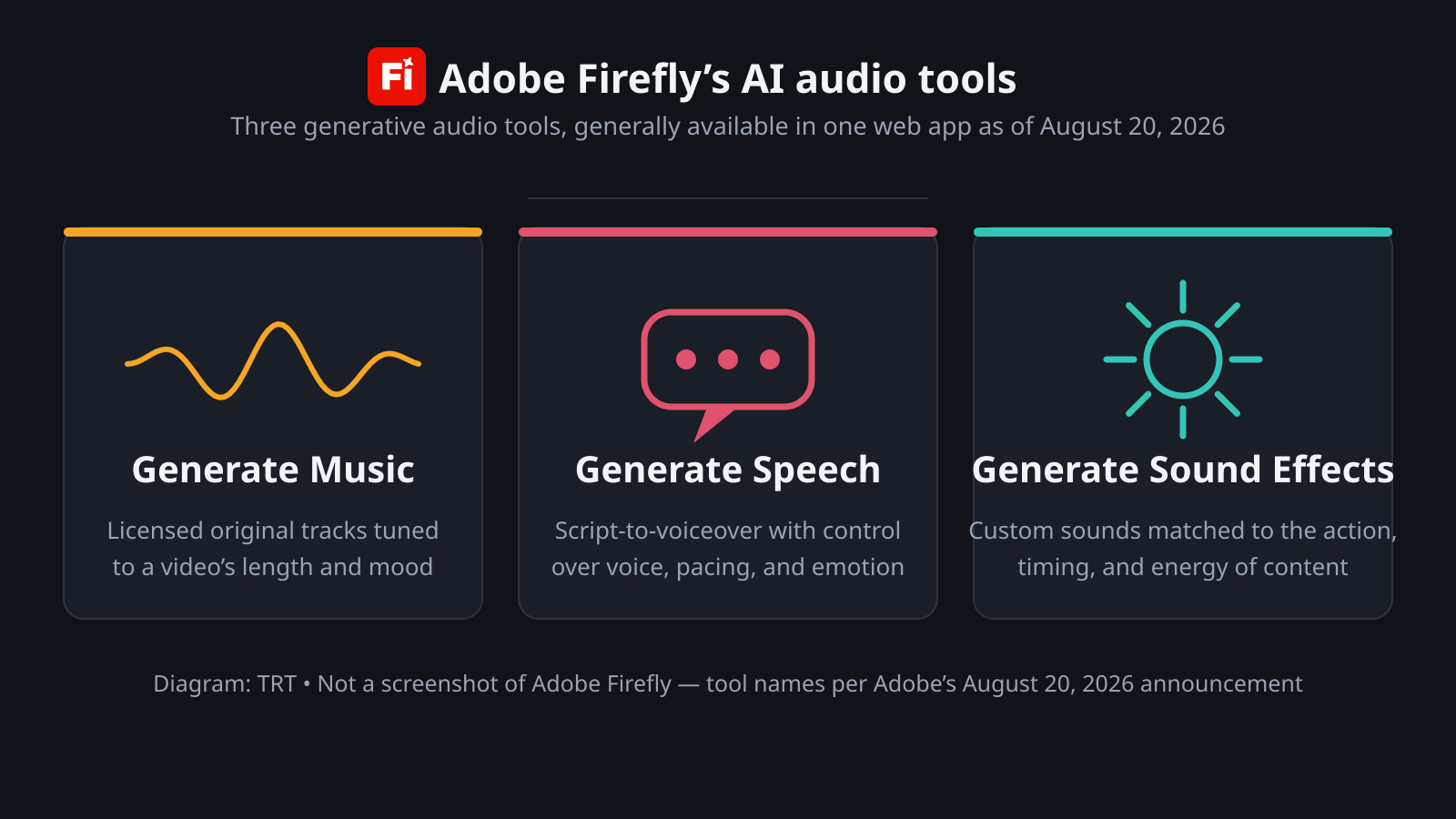
The three tools do exactly what their names promise. Generate Music creates original tracks tuned to your video’s length and mood, and Adobe says the output is universally licensed, so no takedown worries on finished work.
Generate Speech turns a script into clear, natural voiceovers with control over voice, pacing, and emotion. Generate Sound Effects makes custom sounds that match the action, timing, and energy of your content.
This is audio built for real production, not a toy demo. Adobe’s pitch is that the output is commercially safe and ready for finished work, with no separate subscription and no hunting for a track you’re actually allowed to use.
Firefly itself is Adobe’s all-in-one creative AI studio, with tools across image, video, audio, and design, plus industry models from Google, ElevenLabs, Kling AI, Luma AI, OpenAI, and Runway.
Generate Music is the headline for anyone who’s lost an afternoon to music licensing. Tracks are tuned to your video’s length and mood, so the music fits the cut without manual trimming, and Adobe says the result is safe for commercial use.
Creator quotes in Adobe’s announcement lean hard on that peace of mind, with one saying music that used to take “hours and hours of searching” now takes seconds.
Generate Speech is the one I’d try first. It turns a script into natural voiceovers, and you can pick Adobe’s own Firefly Speech Model or use ElevenLabs in Firefly as the engine. Fine control over voice, pacing, and emotion is what makes this more useful than a flat script read.
The Sound Effects tool has a clever trick too. You can fill in a text prompt, or record a sound with your own voice to use as a reference for the generated audio. Everything runs in Firefly’s desktop and mobile web app, so there’s nothing to install.
The free tier changes the math
The quiet half of the announcement is pricing. The Firefly AI Assistant previously sat behind a Firefly subscription, and Adobe is now introducing “a free experience with daily generations” so anyone can start creating immediately.
That changes the first test. You can run a short script, try a soundtrack, and see whether the workflow earns a place in your stack before paying for another tool.
Adobe didn’t spell out exactly how many daily generations the free experience includes, so treat it as a taste, not an unlimited pipeline. Still, a free on-ramp from a major vendor is a real shift for creators who’ve been watching the AI audio space from the sidelines.
The company is also expanding model choice inside Firefly, adding Gemini Omni Flash alongside models from Google, Kling AI, Luma AI, OpenAI, and Runway. Gemini Omni Flash lets you prompt with video, audio, and image inputs alongside text, so a rough idea becomes a storyboarded first cut quickly.
Why licensed AI audio matters
The licensing angle is the whole story here. A Berklee College of Music survey cited by Adobe found that nearly four in five video creators, musicians, and marketers, or 80 percent, post video content daily or several times a week, and every respondent reported using music in their videos.
When you publish that often, a takedown or rights dispute can become a production problem, not a footnote. That is why Adobe keeps hammering the “commercially safe” line.
AI music has already crossed into the mainstream, and the AI track that hit the Hot 100 with nobody able to prove it was fake showed how blurry the line between human and generated sound has become. For working creators, the question isn’t whether AI audio is good enough. It’s whether the output is safe to ship.
Adobe’s answer is training and licensing built for commercial use, with the models served inside the same app as its image and video tools. Rivals are racing the same direction, with open-weights video models landing on consumer hardware and audio startups undercutting everyone on price.
The competitive bar for generative media is now a full stack, not a single modality.
What to try first
Go to Firefly in your browser and start with Generate Speech, the fastest AI audio win of the three. Write a short script, pick a voice, and listen to how the pacing and emotion controls change the read.
Then generate a music track for a clip you already have, and pay attention to how the length and mood matching saves you from trimming by hand.
If you publish video regularly, the free daily generations are worth a test drive this week. And if you’ve been paying for stock music or a separate voiceover tool, the math just got interesting. Adobe’s bet is that once the audio tools pull you in, the rest of the creative stack keeps you there.
The Inner Circle
Liked this? Get the next one first.
Honest reviews and practical tips, one useful email a week.
- New verdicts and scores
- Same-day workflow tips
- No spam, unsubscribe anytime
Written by
Tony Simons
Tony has a bachelor's degree from the University of Phoenix and over 14 years of writing experience between multiple publications in the tech, photography, lifestyle, and deal industries.