

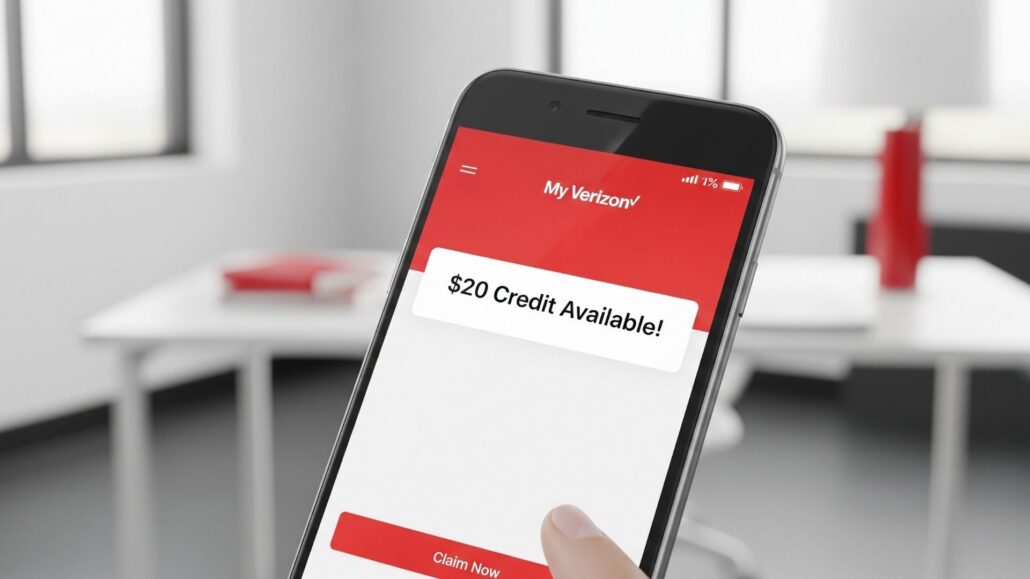
If you were caught in the crosshairs of Verizon’s recent massive service disruption, the carrier is finally trying to make things right. Verizon is offering a $20 account credit to affected customers, but there is a catch: it isn’t automatic. You have to go into the app and claim it yourself.
Verizon has stated that the credit will appear within the My Verizon app after you receive an official notification via text. Here is the step by step process to ensure that $20 lands on your next bill.
Step 1: Wait for the Official Text Message
Verizon is rolling these credits out in waves. The company says affected customers will receive a text message specifically stating that the $20 credit is ready to be claimed.
If you haven’t received that text yet, poking around the app likely won’t do much. Verizon’s systems need to “flag” your account as eligible before the offer shows up in the digital dashboard.
Step 2: Update the My Verizon App
Before you try to claim anything, ensure your app is actually capable of showing the prompt. Buggy or outdated versions of the app can sometimes hide promotional banners or account offers.
- iPhone: Open the App Store, search for My Verizon, and tap Update.
- Android: Open the Google Play Store, search for My Verizon, and tap Update.
Step 3: Sign in as the Account Owner
Open the app and log in. Keep in mind that for most Verizon plans, only the Account Owner or an Account Manager has the authority to accept financial credits. If you are just a standard user on a family plan, you might not see the offer even if your specific line was down.
Step 4: Find and Accept the $20 Credit
Once the offer is live for your account, a prompt or banner should appear on the main “Feed” or “Home” tab of the app.
- Tap the credit notification or banner.
- Review the brief terms (usually just confirming it’s a one-time credit).
- Tap Claim or Accept.
- Wait for the confirmation screen to verify the request was processed.
Step 5: Verify the Credit in Your Billing Cycle
After you hit accept, the credit should move into your billing history. Don’t panic if your “Amount Due” doesn’t change immediately. Depending on where you are in your current billing cycle, the $20 might not show up until your next statement is generated. You can usually see “Estimated Credit” or “Pending Activity” in the Bill section of the app.
Quick Troubleshooting Tips
- The “Ghost” Credit: If you got the text but don’t see the offer, try force-closing the app and restarting it. Sometimes the cache needs a nudge to refresh.
- Persistent Service Issues: If you are still seeing “SOS” mode or dropped calls, Verizon recommends toggling Airplane Mode on and off or performing a full restart of your device to re-register with the towers.
- Business Accounts: Note that business customers are handled differently. Verizon says it will reach out to business account administrators directly rather than using the consumer app flow.
Frequently Asked Questions
Do I have to request this?
Technically, yes. While Verizon identifies who is eligible, the credit is an “opt-in” offer. If you don’t tap the button in the app, you don’t get the money.
Is it $20 per line?
No. Verizon is currently offering this as a $20 account credit. Whether you have one line or ten, the credit applies to the total balance of the account.
What if I never get the text?
If you know you were affected but the text never arrives, give it a few days. If you’re still empty-handed, you can reach out to Verizon Support via chat or phone to ask for a manual adjustment.


