
Tech & Gear · Tutorial
How to Find and Reuse Images From NASA’s Media Library
Search NASA’s image and video library, inspect file choices, and check usage rights before reusing media.
 By Tony Simons 3 min read
Disclosure: We may earn a commission when you shop through the links below. It never changes the verdict. Details
Disclosure
We may earn a commission when you shop through the links below. Opinions stay independent. Full disclosure
Need a space image for a presentation, article or classroom project? NASA’s Image and Video Library is a useful place to start. The important part comes after the cool picture: check the record and usage rules before you reuse it.
Quick answer: Search the NASA Image and Video Library, open an item, read its description and credit, and check NASA’s media usage guidelines. Then choose a file from the Download menu if the item and intended use are appropriate.
We searched the library, opened an Earthrise record and inspected its download menu. We did not download a file or check every search filter. Results and file choices can change.
1. Search for a subject
Open the library and enter a mission, object or subject in the search box. The search controls let you include images, videos and audio. Try a mission name or a specific phrase if a broad term produces too many unrelated results.
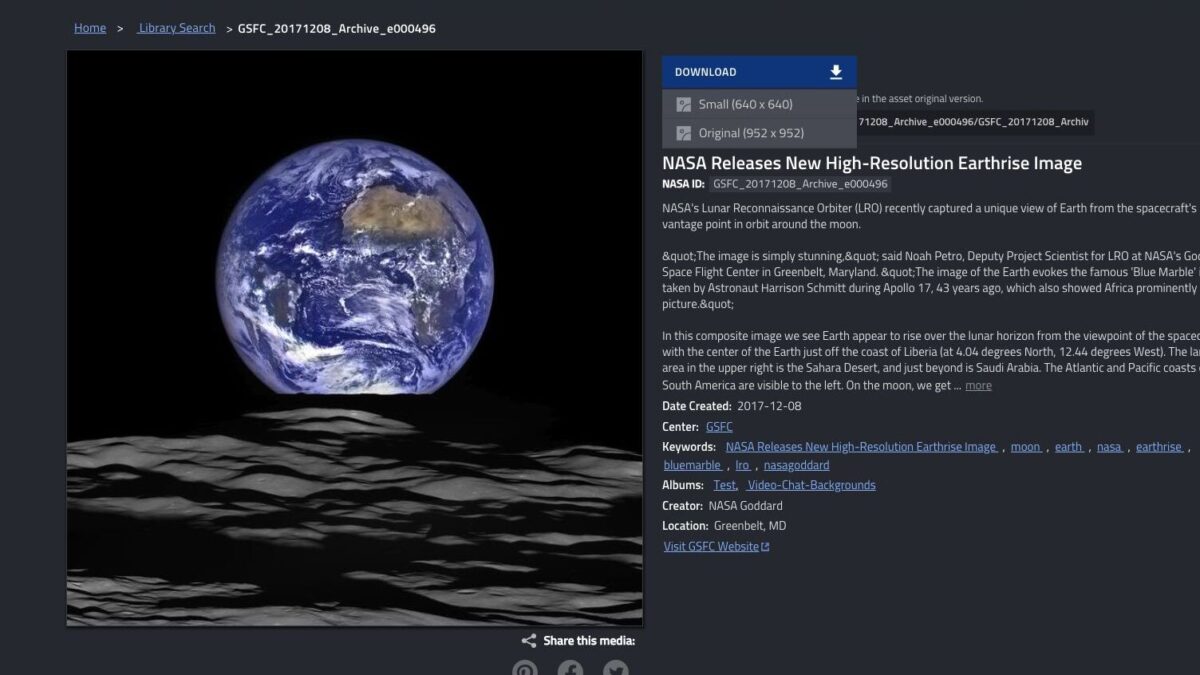
Open a result that looks promising. The listing can show a NASA ID, description, creator, date, center and keywords. Read the description rather than assuming the thumbnail tells the full story. An image may be a composite, and a record’s displayed creation date may not be the date the underlying event occurred.
2. Inspect the item and file options
On our Earthrise example, the record describes an image assembled from observations by the Lunar Reconnaissance Orbiter. Its expanded description credits NASA/Goddard/Arizona State University. Select more when the description is shortened and look for a credit or usage notice.
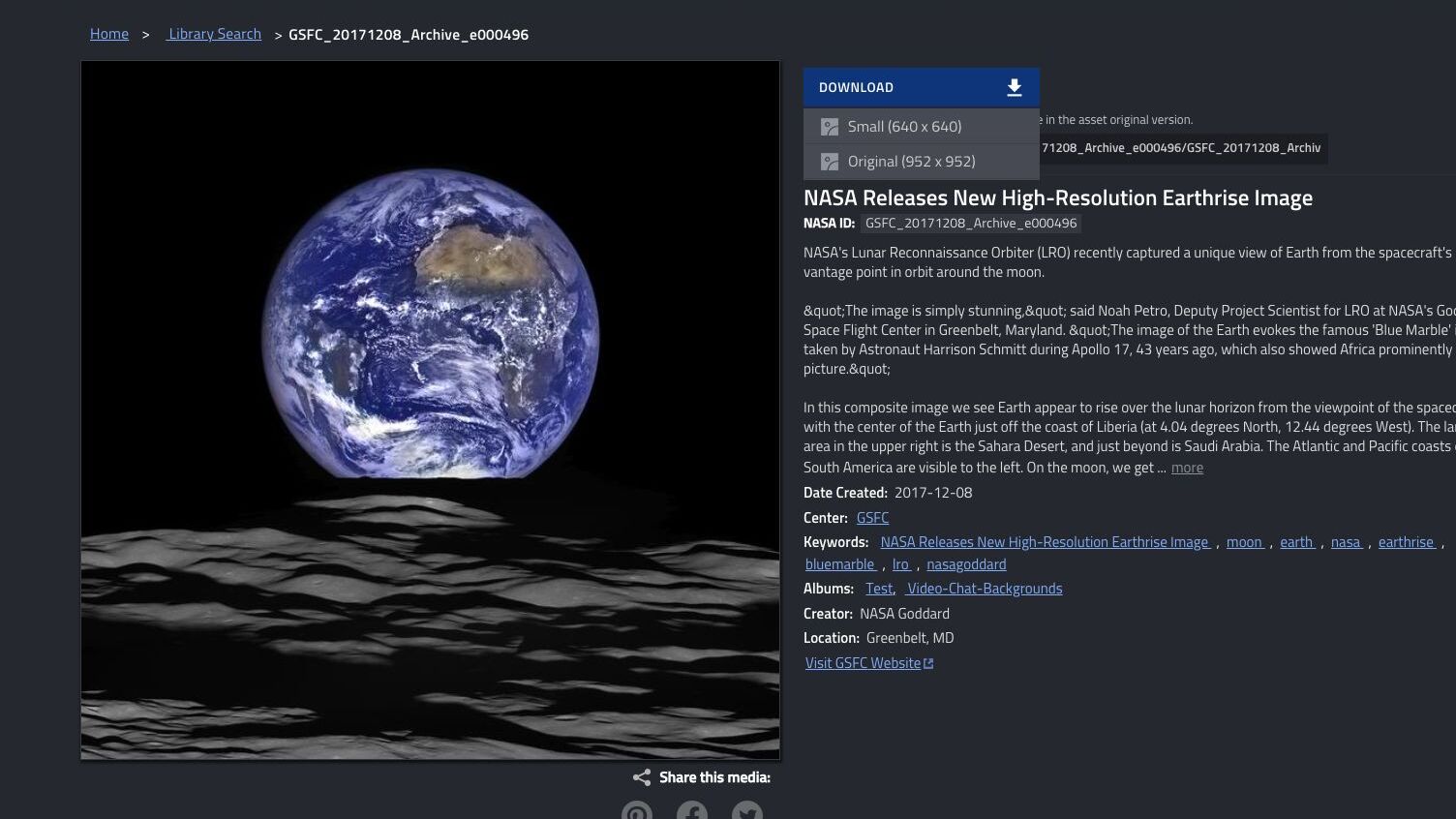
Select Download to see available files. For this record we saw a small version and an original, each with dimensions shown. The choices vary by item. Pick a file suitable for your project, then check it after downloading; a thumbnail may not be sharp enough for print.
3. Check rights before reusing it
NASA says its content is generally not subject to copyright in the United States, but that is not a blanket license for everything in its library or every use. Its guidelines explain that NASA sometimes uses third-party copyrighted material with permission; you may need permission from that rights holder. Read the particular record and follow up if ownership or your intended use is unclear.
NASA asks users to acknowledge the source, and the item can name additional contributors. Keep the item URL and credit with your project. Don’t use an image in a way that implies NASA endorses a product or service. NASA’s insignia and other identifiers have separate rules, and images of identifiable people can raise privacy or publicity issues, especially in commercial use.
If you need a wider range of sources and licenses, our Openverse guide explains another way to investigate reuse. Always check the original source’s current terms.
How we checked: We searched NASA’s library for “Apollo 17 blue marble,” opened the Earthrise record and expanded its Download menu. We reviewed NASA’s published media rules; we did not download or verify files or clear rights for a particular commercial use. Featured image and in-article screenshot: NASA Image and Video Library interface, captured and cropped by TRT. Earthrise image credit: NASA/Goddard/Arizona State University.
The Inner Circle
Know what is worth buying before you buy it.
Gear I lived with, guides that save you an afternoon, one email a week.
- New verdicts and scores
- Same-day workflow tips
- No spam, unsubscribe anytime
Written by
Tony Simons
Tony has a bachelor's degree from the University of Phoenix and over 14 years of writing experience between multiple publications in the tech, photography, lifestyle, and deal industries.


