
Tech & Gear · Buying guide
Best 4K Monitors for Coding in 2026
8 4K monitors tested for coding in 2026, from budget to premium. BenQ RD280U 3:2, Dell UltraSharp, LG OLED, ultrawides, and more -- with real PPI, USB-C PD, and dark-mode contrast comparisons.
 By Tony Simons 7 min read
Disclosure: This page may contain affiliate links; I may earn a commission at no extra cost to you. It never changes the verdict. Details

Disclosure
I may earn a commission from qualifying purchases. Opinions stay independent. Full disclosure
Most monitor roundups are written for the wrong audience. They test color accuracy for photo editing and refresh rates for competitive gaming. If your primary use case is staring at a terminal, an IDE, and a browser full of documentation for eight hours a day, you care about different things.
You care about PPI — how sharp text looks at your sitting distance. You care about USB-C power delivery so one cable runs your whole desk. You care about dark-mode contrast because you live in VS Code with the theme set to black. And you care about how many lines of code fit on screen at a readable font size before you have to scroll.
I have been testing monitors for exactly this workflow. Here are the ones that make the cut, from budget entry points to no-compromise premium picks, including the oddball 3:2 monitor that might be the best thing that ever happened to reading code.
What to look for in a coding monitor
PPI and text clarity
Pixels Per Inch determines how sharp text looks. A 27-inch 4K monitor delivers 163 PPI, which is Apple’s Retina threshold at typical arm’s length. A 32-inch 4K monitor delivers 140 PPI. An ultrawide at 3440×1440 across 34 inches lands around 110 PPI. Every pick below includes its PPI so you know what you are getting into.
USB-C with power delivery
A single USB-C cable that carries video signal and charges your laptop is the difference between a clean desk and cable hell. 60W is the minimum for a MacBook Air. 90W to 100W is what you want for a 14-inch or 16-inch MacBook Pro.
Panel type and dark-mode contrast
Standard IPS panels deliver a 1000:1 contrast ratio. IPS Black (Dell’s technology) doubles that to 2000:1. OLED delivers infinite contrast. The jump from standard IPS to IPS Black is noticeable. The jump from IPS Black to OLED is dramatic. But OLED carries a burn-in risk from static UI elements.
Ergonomics and screen real estate
A height-adjustable stand is non-negotiable. VESA compatibility is heavily preferred. Standard 16:9 is fine. Ultrawide 21:9 gives more horizontal space. And there is one monitor in this roundup with a 3:2 aspect ratio that gives significantly more vertical space — more lines of code on screen without scrolling.
Budget 4K Monitors ($300-$500)

Best Budget 4K for Coding
Dell S2725QC
The cheapest 4K USB-C monitor I would actually recommend for daily coding. 27-inch 4K IPS at 163 PPI with 120Hz refresh. 65W USB-C PD handles a MacBook Air or 14-inch Pro in light use. Thin bezels, clean design.
- Price
- ~$315
- Size
- 27″
- Resolution
- 3840×2160
- PPI
- 163
- Panel
- IPS
- USB-C PD
- 65W
- Refresh
- 120Hz
Proven Workhorse
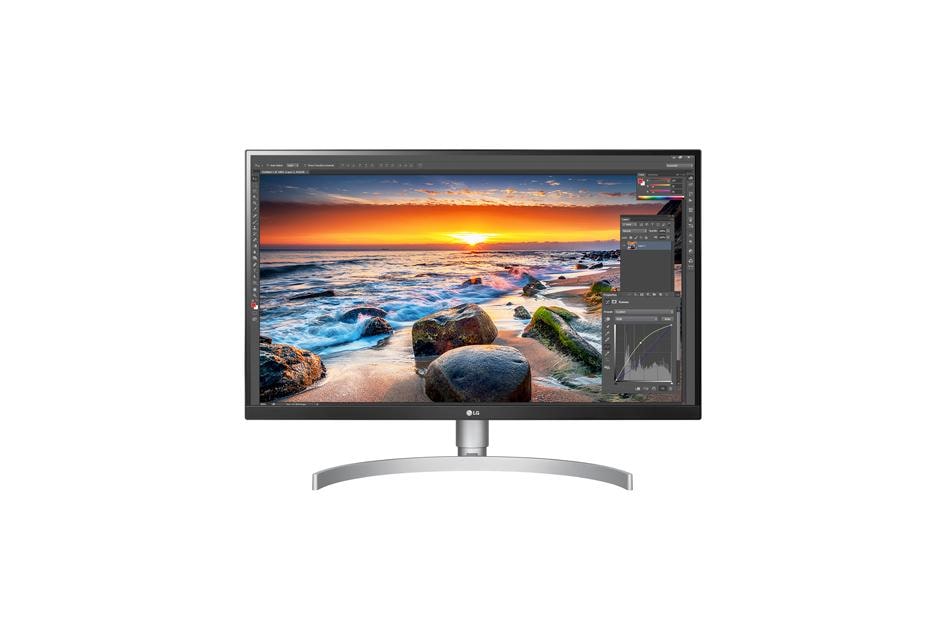
LG 27UP850-W
A solid 4K pick in 2026. 27-inch 4K IPS at 163 PPI with USB-C 96W PD (up from 60W on older models). VESA DisplayHDR 400, DCI-P3 95% color gamut, and a virtually borderless design.
- Price
- ~$375
- Size
- 27″
- Resolution
- 3840×2160
- PPI
- 163
- Panel
- IPS
- USB-C PD
- 96W
- Refresh
- 60Hz

Best-Looking Budget Pick
Samsung S80A (S27A80)
The dark horse of the budget tier. Matches the Dell and LG on specs (27-inch 4K, 163 PPI, 65W USB-C PD) in a thinner bezel with a cleaner design.
- Price
- ~$395
- Size
- 27″
- Resolution
- 3840×2160
- PPI
- 163
- Panel
- IPS
- USB-C PD
- 65W
- Refresh
- 60Hz
Mid-Range 4K Monitors ($500-$800)
Best Monitor for Coding
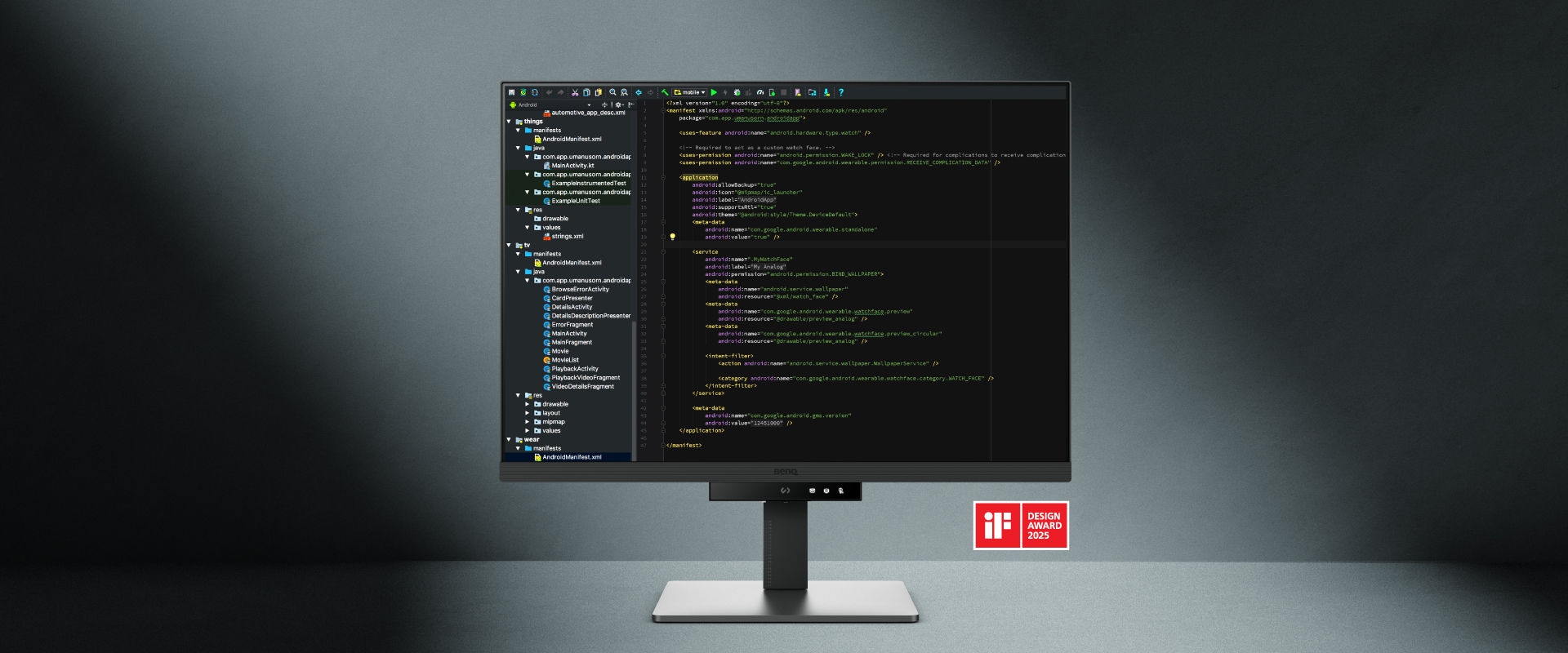
BenQ RD280U
The most interesting monitor in the roundup. A 28.2-inch 3:2 aspect ratio (3840×2560) gives you 20 percent more vertical pixels than 16:9. More lines of code on screen without scrolling. Nano Matte Panel, Coding Modes, MoonHalo bias lighting, 90W USB-C PD, built-in KVM.
- Price
- ~$550
- Size
- 28.2″
- Resolution
- 3840×2560 (3:2)
- PPI
- ~161
- Panel
- IPS (Nano Matte)
- USB-C PD
- 90W
- Refresh
- 60Hz

Best All-Rounder
Dell U2723QE
IPS Black technology doubles contrast to 2000:1, making dark-mode VS Code look noticeably better. Full USB-C hub with 90W PD, Ethernet, USB-A ports, and a built-in KVM. 27-inch 4K at 163 PPI.
- Price
- ~$659
- Size
- 27″
- Resolution
- 3840×2160
- PPI
- 163
- Panel
- IPS Black
- USB-C PD
- 90W
- Refresh
- 60Hz

Best Color & 96W Charging
ASUS ProArt PA279CRV
96W USB-C PD is enough to charge a 16-inch MacBook Pro at full speed while driving the display. True 10-bit panel with factory calibration (Delta E < 2). Great for devs who also do creative work.
- Price
- ~$399
- Size
- 27″
- Resolution
- 3840×2160
- PPI
- 163
- Panel
- IPS (10-bit)
- USB-C PD
- 96W
- Refresh
- 60Hz
32-inch Coding Monitor
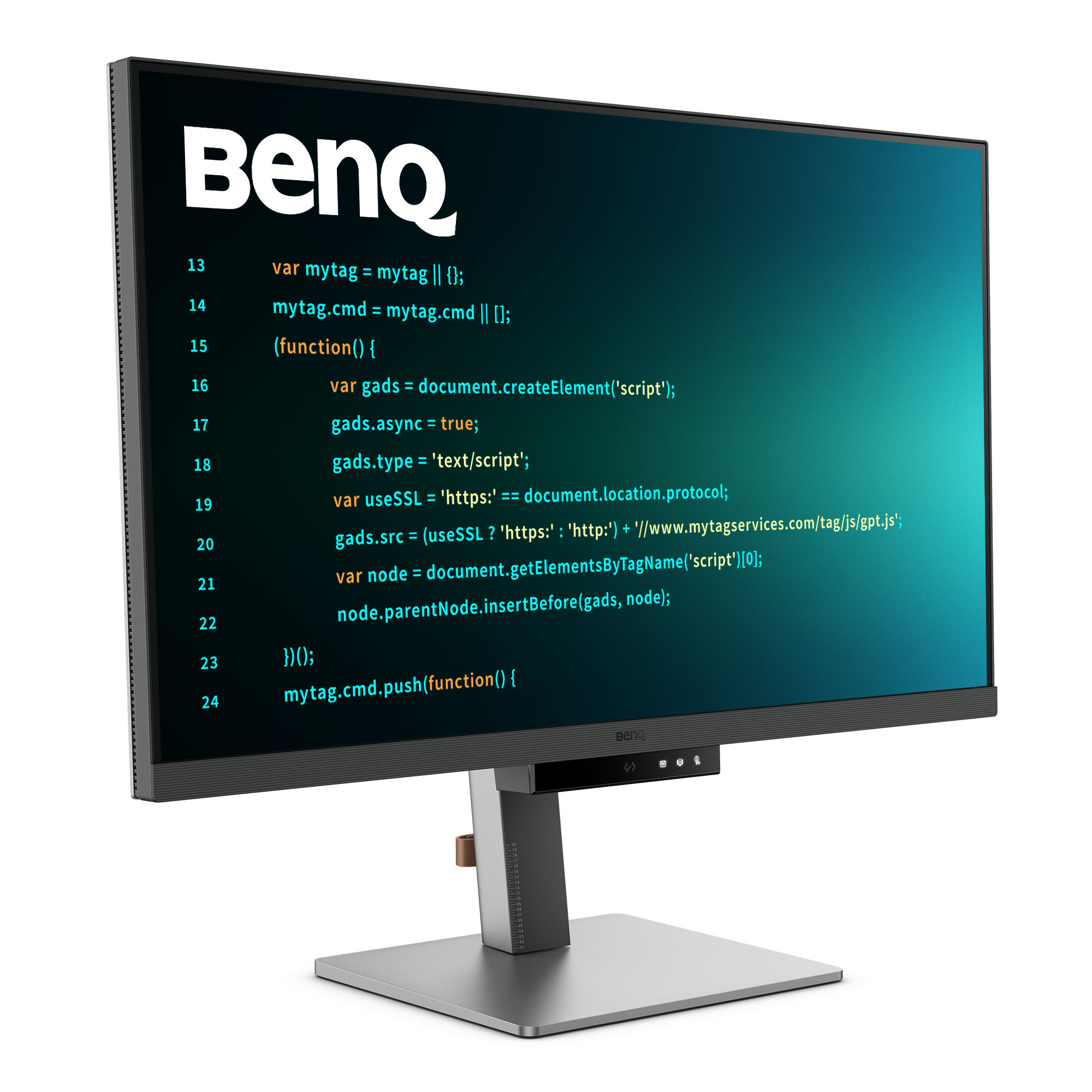
BenQ RD320U
The 32-inch 16:9 version of the RD280U with the same Coding Modes, Nano Matte Panel, MoonHalo backlight, and 90W USB-C PD. More screen real estate at the cost of lower PPI (140 vs 163).
- Price
- ~$580
- Size
- 32″
- Resolution
- 3840×2160
- PPI
- 140
- Panel
- IPS (Nano Matte)
- USB-C PD
- 90W
- Refresh
- 60Hz
Premium 4K Monitors ($800-$1600+)

The Default Premium
Dell U3223QE / U3225QE
32-inch 4K IPS Black with a full USB-C hub, Ethernet, and up to 140W Thunderbolt 4 charging (U3225QE). Built to last a decade.
- Price
- ~$819 / ~$999
- Size
- 32″
- Resolution
- 3840×2160
- PPI
- 140
- Panel
- IPS Black
- USB-C PD
- 90W / 140W TB4
- Refresh
- 60Hz / 120Hz
Best OLED for Coding
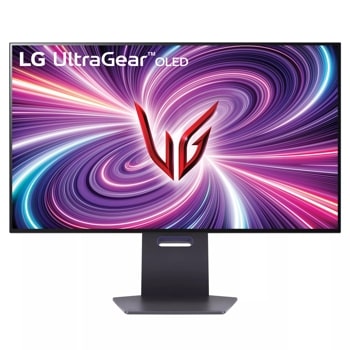
LG UltraGear 32GS95UE
32-inch 4K WOLED with a five-year burn-in coverage warranty. WOLED has better text clarity than QD-OLED. 240Hz. The risk calculation on OLED for productivity changes with that warranty.
- Price
- ~$1,417
- Size
- 32″
- Resolution
- 3840×2160
- PPI
- 140
- Panel
- WOLED
- USB-C PD
- 90W
- Refresh
- 240Hz
Best Mac Text Clarity
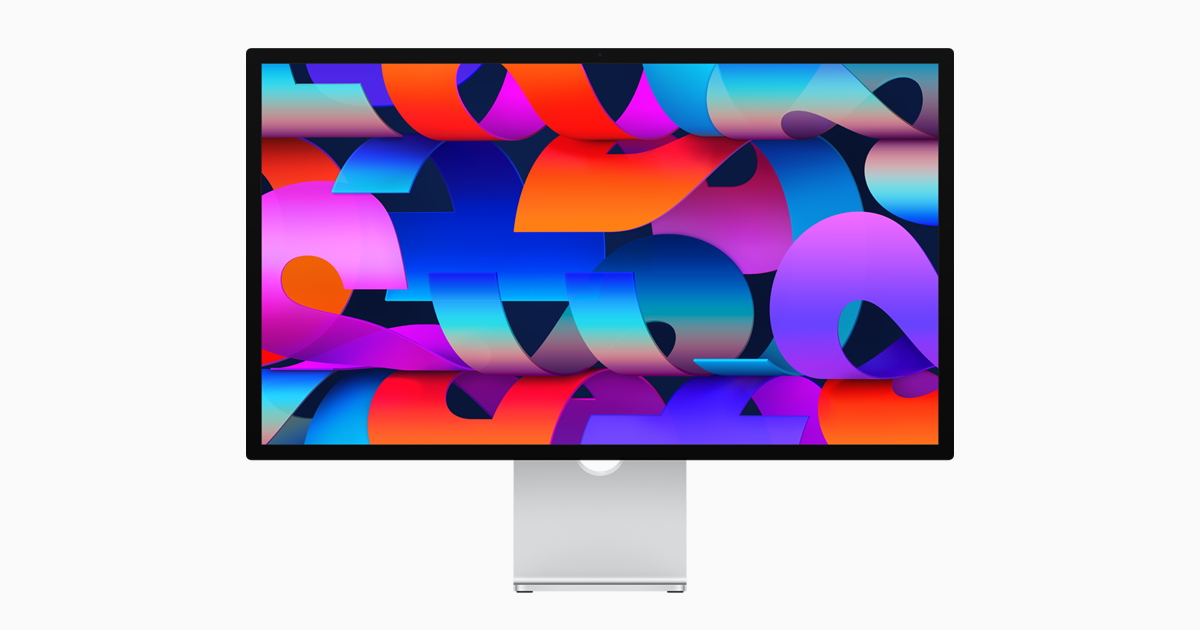
Apple Studio Display
27-inch 5K at 218 PPI is true Retina. Text looks printed on the screen. The 2026 refresh added Thunderbolt 5 and Desk View camera. Still stuck at 60Hz with no HDMI 2.1. Height-adjustable stand costs $400 extra. Mac-only.
- Price
- ~$1,539
- Size
- 27″
- Resolution
- 5120×2880 (5K)
- PPI
- 218
- Panel
- IPS
- USB-C PD
- 96W
- Refresh
- 60Hz
Ultrawide Monitors
The Endgame Ultrawide
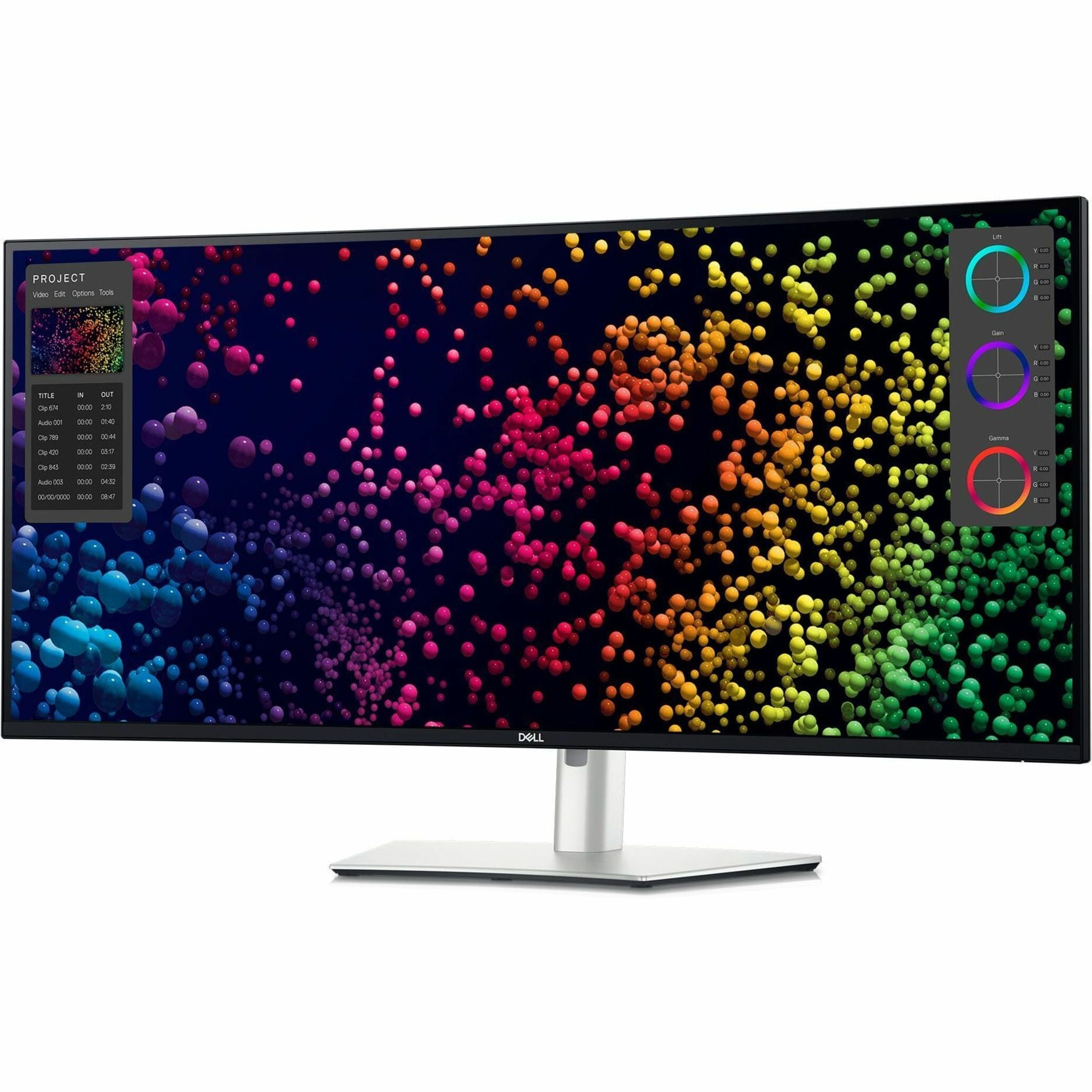
Dell U4025QW
40-inch 5K2K (5120×2160) IPS Black panel at 140 PPI with Thunderbolt 4 and 140W PD. Functionally two 27-inch 4K monitors fused together with no bezel.
- Price
- ~$1,759
- Size
- 40″
- Resolution
- 5120×2160 (5K2K)
- PPI
- 140
- Panel
- IPS Black
- USB-C PD
- 140W TB4
- Refresh
- 120Hz
Budget Ultrawide
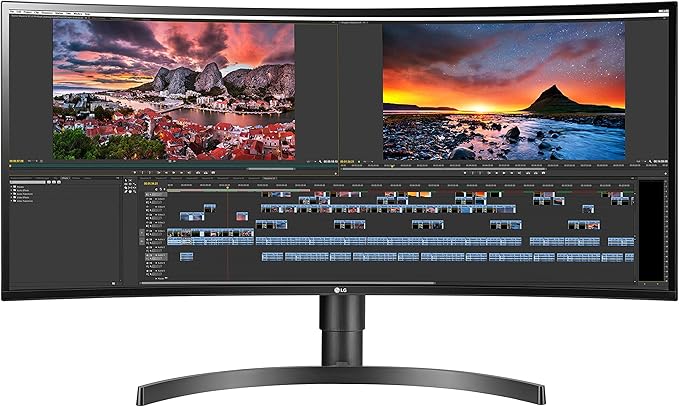
LG 34WN80C-B
The entry point for ultrawide. 34-inch 3440×1440 curved IPS with 60W USB-C PD. Enough horizontal space for side-by-side windows. Text clarity at 110 PPI is softer than 4K. The cheapest way to find out if ultrawide is for you.
- Price
- ~$780
- Size
- 34″
- Resolution
- 3440×1440
- PPI
- 110
- Panel
- IPS (Curved)
- USB-C PD
- 60W
- Refresh
- 60Hz
The OLED Question
Every developer considering an OLED monitor asks the same thing: will I get burn-in from my static IDE layout?
The honest answer in 2026 is that the risk is lower than it has ever been, but it is not zero. Modern OLED panels include pixel refresh cycles, logo dimming, and pixel shift features that significantly reduce uneven wear. LG offers five years on the 32GS95UE, MSI and Dell offer three years on their OLEDs.
WOLED panels (LG) have better text clarity than QD-OLED panels (Samsung, Dell Alienware) due to their subpixel layout. If text reading is your priority and you are considering OLED, go WOLED.
Quick Reference
| Monitor | Size | PPI | Panel | USB-C PD | Price |
|---|---|---|---|---|---|
| Dell S2725QC | 3840×2160 | 163 | IPS | 65W | ~$315 |
| LG 27UP850-W | 3840×2160 | 163 | IPS | 96W | ~$375 |
| Samsung S80A (S27A80) | 3840×2160 | 163 | IPS | 65W | ~$395 |
| BenQ RD280U | 3840×2560 (3:2) | ~161 | IPS | 90W | ~$550 |
| Dell U2723QE | 3840×2160 | 163 | IPS Black | 90W | ~$659 |
| ASUS ProArt PA279CRV | 3840×2160 | 163 | IPS | 96W | ~$399 |
| BenQ RD320U | 3840×2160 | 140 | IPS | 90W | ~$580 |
| Dell U3223QE / U3225QE | 3840×2160 | 140 | IPS Black | 90W / 140W TB4 | ~$819 / ~$999 |
| LG UltraGear 32GS95UE | 3840×2160 | 140 | WOLED | 90W | ~$1,417 |
| Apple Studio Display | 5120×2880 (5K) | 218 | IPS | 96W | ~$1,539 |
| Dell U4025QW | 5120×2160 (5K2K) | 140 | IPS Black | 140W TB4 | ~$1,759 |
| LG 34WN80C-B | 3440×1440 | 110 | IPS | 60W | ~$780 |
Verdict
Your monitor is the single most important piece of hardware in your setup. You look at it for more waking hours than anything else except maybe your phone. The right monitor does not just feel better — it makes you faster without you noticing.
Budget
Dell S2725QC at $315. The cheapest 4K 120Hz USB-C monitor I would actually use.
Best for coding (value)
BenQ RD280U at $550. The 3:2 aspect ratio is uniquely useful for reading code. The monitor I would buy if I were building a coding desk today.
Best all-rounder
Dell U2723QE at $659. IPS Black, USB-C hub, KVM. No weird aspect ratios, no compromises.
Best OLED
LG 32GS95UE at $1417. The five-year burn-in warranty makes OLED viable for coding in 2026.
Best Mac text clarity
Apple Studio Display at $1539. The 5K Retina panel is unmatched for text sharpness.
Best ultrawide
Dell U4025QW at $1759. Two 4K monitors with no bezel. The endgame.
Budget ultrawide
LG 34WN80C-B at $780. The cheapest way to find out if ultrawide is for you.
Reviewed & written by
Tony Simons
Tony has a bachelor's degree from the University of Phoenix and over 14 years of writing experience between multiple publications in the tech, photography, lifestyle, and deal industries.


