

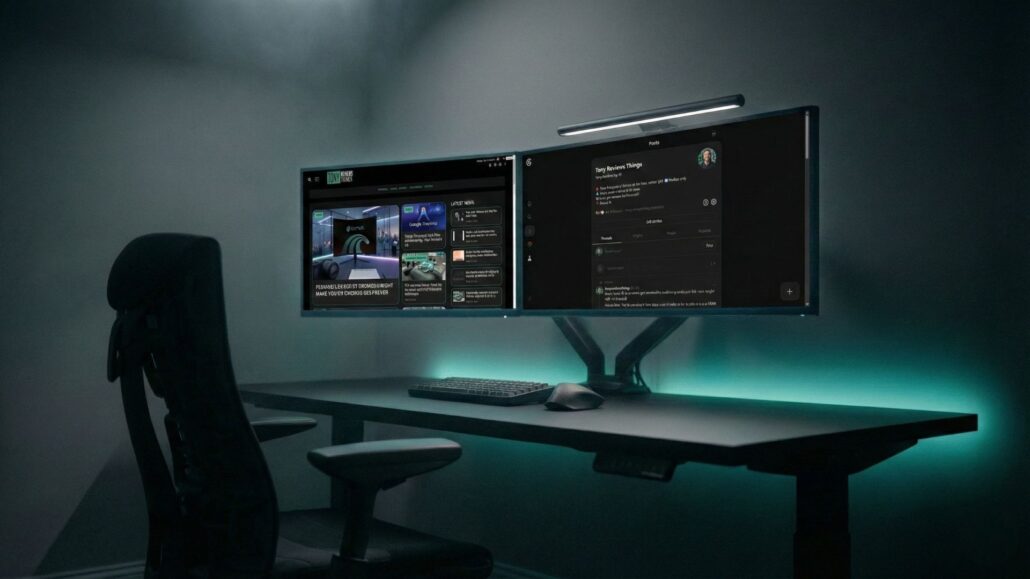
A great desk setup isn’t about owning more stuff, it’s about removing friction. In 2026, that usually means: a stable sit/stand desk, a chair you can sit in for hours, a display setup that keeps you out of app‑switching purgatory, and fewer cables than a 2012 LAN party.
Updated September 2026: this guide was originally published in December 2025. Every pick below was re-checked for current availability and pricing, and the framework still holds: buy in the order the buying-advice section lays out. If a specific model has sold out or been replaced by its maker, the category advice — not the SKU — is the durable part. For a deeper dive on the display half of a developer desk, see the best 4K monitors for coding, and for the software half of a developer desk, the Hermes agent workflow guide.
This roundup covers 25 desk-setup essentials that work together in real life. From your desk and chair all the way down to lighting, power, and the little “why didn’t I buy this sooner?” upgrades, I’ve got you covered.
Quick picks
If you just want the hits, start here:
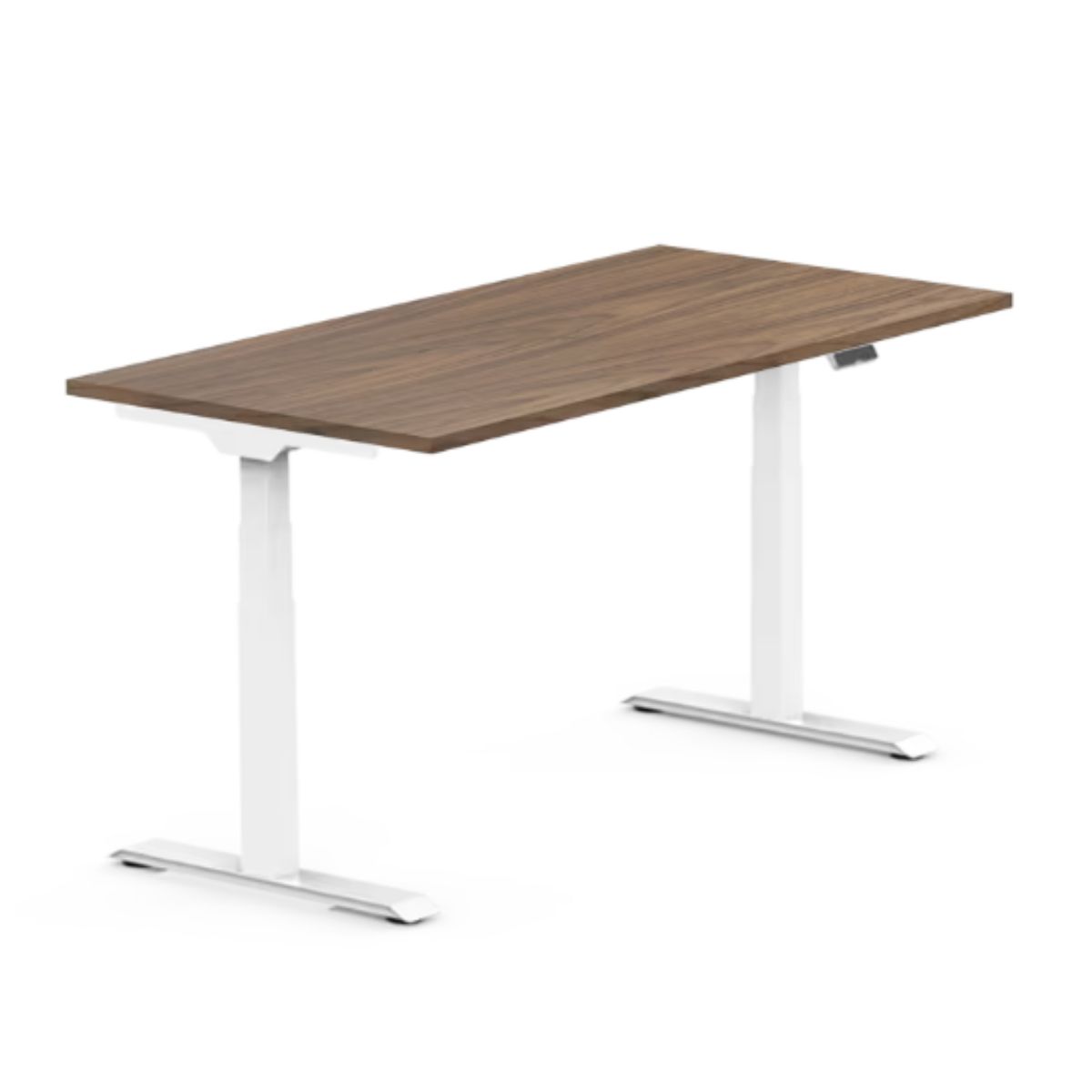
- Best standing desk for most people: FlexiSpot E7 60″ Electric Standing Desk
- Best “set it up fast” standing desk: Vari Electric Standing Desk 60×30
- Best all-day chair upgrade: Herman Miller Office Desk Chair
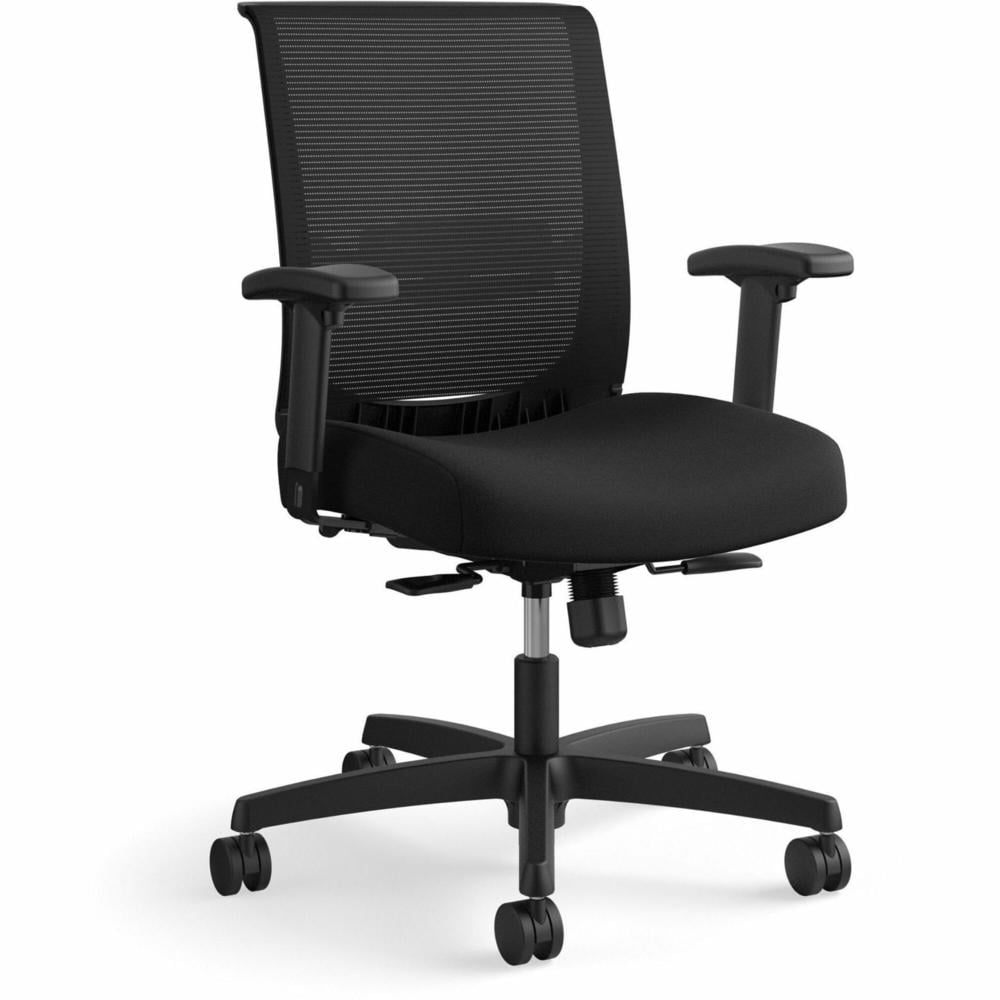
- Best value ergonomic chair: HON Convergence Synchro Tilt Task Chair
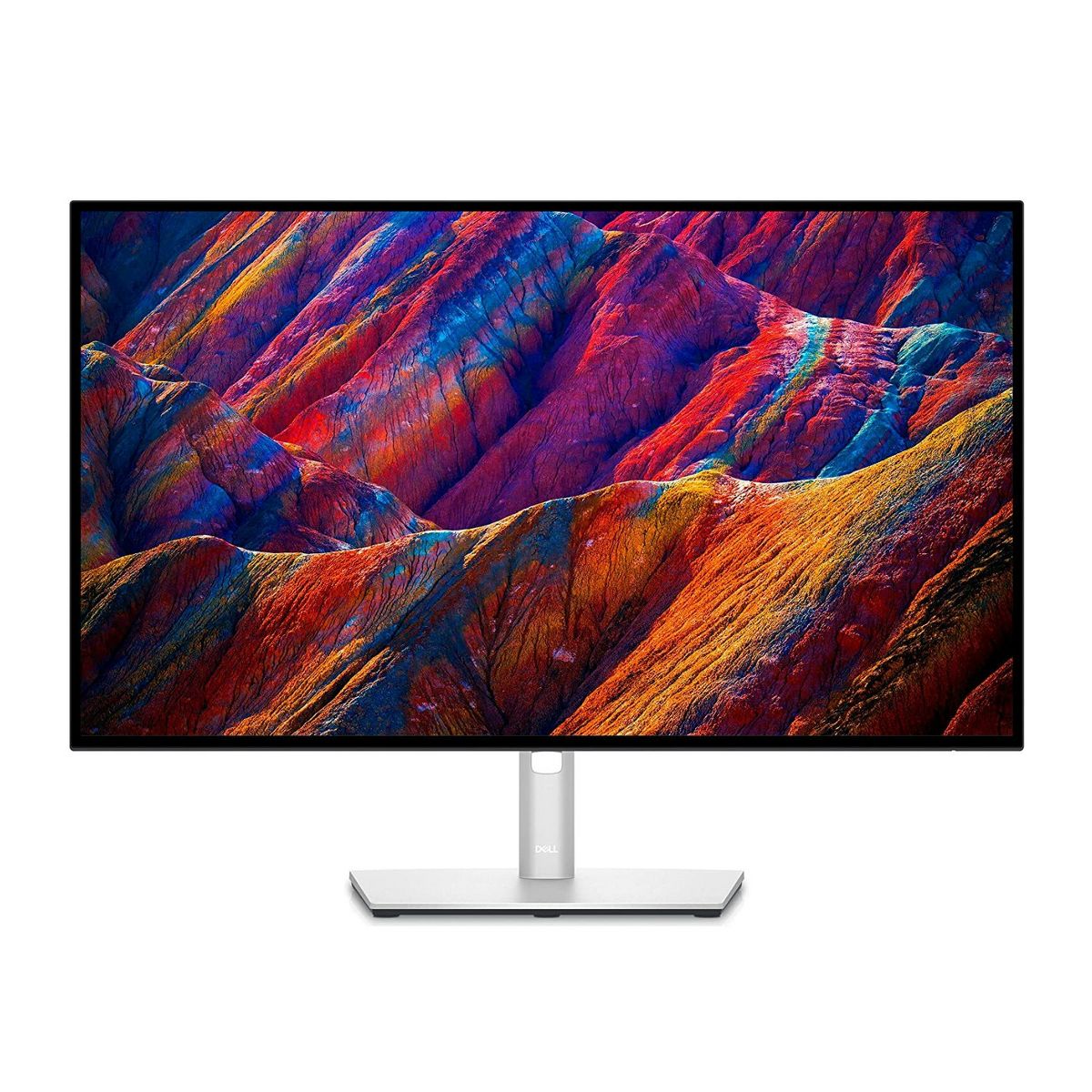
- Best 4K USB‑C monitor hub: Dell UltraSharp U2723QE
- Best ultrawide for multitasking: LG 34WQ60C‑B Curved Ultrawide
- Best productivity keyboard (low learning curve): Logitech MX Keys S
- Best mouse for heavy multitaskers: Logitech MX Master 3S
- Best one‑cable docking station: CalDigit TS4 Thunderbolt 4 Dock
- Best lighting upgrade you’ll notice immediately: BenQ ScreenBar Halo 2
Three desk setups you can build right now
These are “complete-ish” setups using only the products in this list. Mix and match based on your space and budget.
1) The laptop-first productivity setup (clean, flexible, cable-light)
- Vari Electric Standing Desk
- HON Convergence Chair
- Roost v3 Laptop Stand
- Dell UltraSharp U2723QE
- Anker 575 USB‑C Dock (13‑in‑1)
- Logitech MX Keys S
- Logitech MX Master 3S
- BenQ ScreenBar Halo 2
Why it works: it’s easy to move between rooms, easy to share the desk with another person, and you’re one cable away from “full desktop mode.”
2) The ultrawide deep-work setup (maximum screen, minimum app switching)
- FlexiSpot E7 Standing Desk
- Herman Miller Chair
- LG 34WQ60C‑B Curved Ultrawide
- Ergotron LX Monitor Arm
- Keychron K8 Pro
- Logitech MX Master 3S
- Belkin 12‑Outlet Surge Protector
- Bluelounge CableBox
Why it works: you get big-screen focus without going full dual-monitor (and without a cable nest).
3) The video-call-and-content setup (look good, sound good, stay sane)
- Dell UltraSharp U2723QE
- Logitech Brio 500 Webcam
- Logitech Litra Glow
- Elgato Wave:3 USB Microphone
- Sony WH‑1000XM6 Headphones
- CalDigit TS4 Dock
Why it works: you’re not fighting lighting, framing, echo, or ports, which is secretly the biggest productivity boost of all.
The 25 best productivity desk setup products (organized by what they solve)
DESKS: YOUR FOUNDATION
FlexiSpot E7 60″ Electric Standing Desk
A standing desk is the fastest way to make long workdays feel less punishing, but only if it’s stable and easy to adjust. The E7 is the kind of “set it and forget it” option that works for real desks with real gear on top.
Vari Electric Standing Desk 60×30
Vari’s desks are popular for a reason: they’re built for people who want a standing desk without turning the purchase into a hobby. If you prioritize quick setup and a solid, straightforward surface, this is a great direction.

SEATING: THE UPGRADE YOU FEEL BY DAY TWO
HON Convergence Synchro-Tilt Task Chair
A solid swap for the Ignition 2.0 if you want an affordable, adjustable office chair. You get a supportive mesh back, adjustable lumbar support, and synchro-tilt so reclining feels natural during long workdays.
Herman Miller Aeron Chair (Size B, Lumbar Support)
If you want a chair upgrade that actually changes how long you can sit and stay focused, the Aeron is a classic for a reason. The breathable mesh is perfect for long writing, editing, or spreadsheet sessions where you don’t want to constantly shift around.

DISPLAY: MORE ROOM, LESS WINDOW JUGGLING
Dell UltraSharp U2723QE 27″ 4K USB‑C Hub Monitor
For productivity, a 27-inch 4K monitor hits a sweet spot: big enough to see more at once, sharp enough for text, and the USB‑C hub setup can reduce desk clutter.
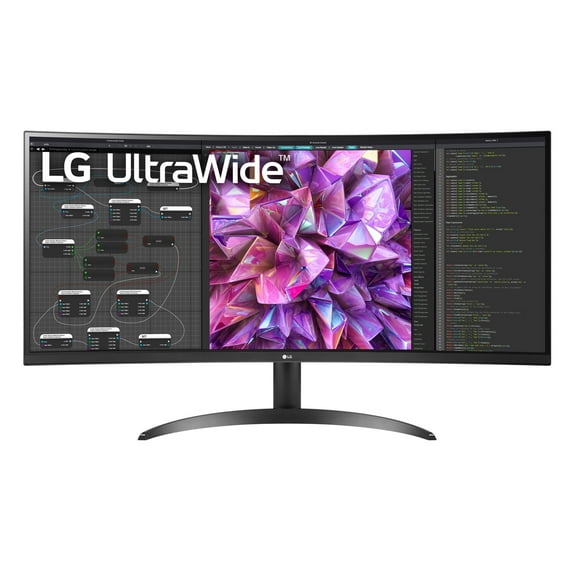
LG 34WQ60C‑B 34″ Curved Ultrawide QHD
If your day is split between docs, messaging, and browser tabs, ultrawide can feel like cheating. This LG gives you the “two windows side-by-side” life without physically running two monitors.
Ergotron LX Single Monitor Arm
A monitor arm is equal parts ergonomics and desk decluttering. You get better positioning, more usable desk space, and easier cable routing, especially helpful if you’re pairing an ultrawide with a sit/stand desk.

INPUT: THE STUFF YOU TOUCH ALL DAY
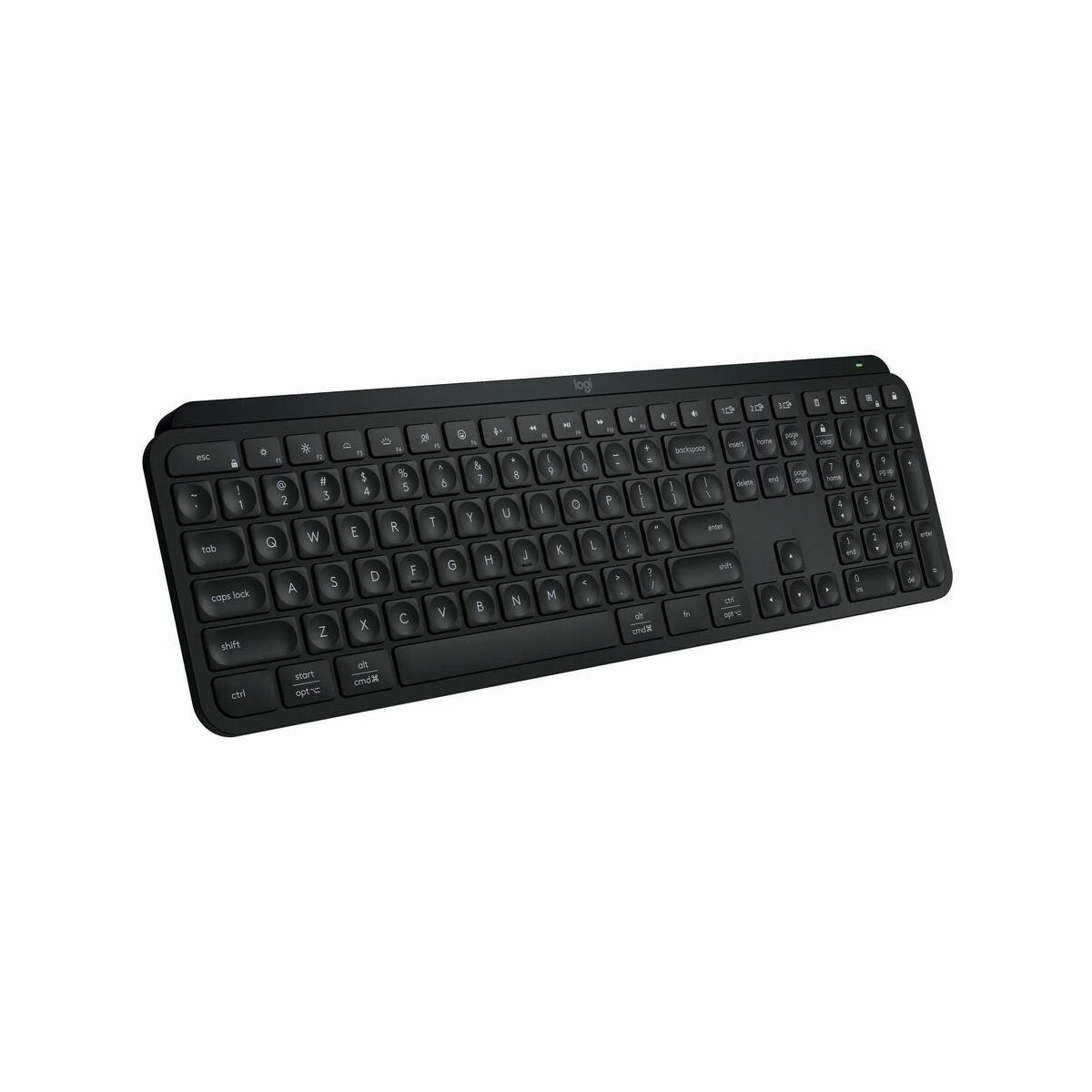
Logitech MX Keys S Wireless Keyboard
This is the “I just want a good keyboard” pick: clean layout, low profile, and built for people who type for hours. It’s a safe recommendation for most desks because it doesn’t require changing how you work.
Keychron K8 Pro Mechanical Keyboard
If you want a mechanical keyboard that still feels grown-up on a productivity desk, the K8 Pro is a strong place to start. It’s the kind of upgrade that makes typing feel more deliberate (and, honestly, more fun).

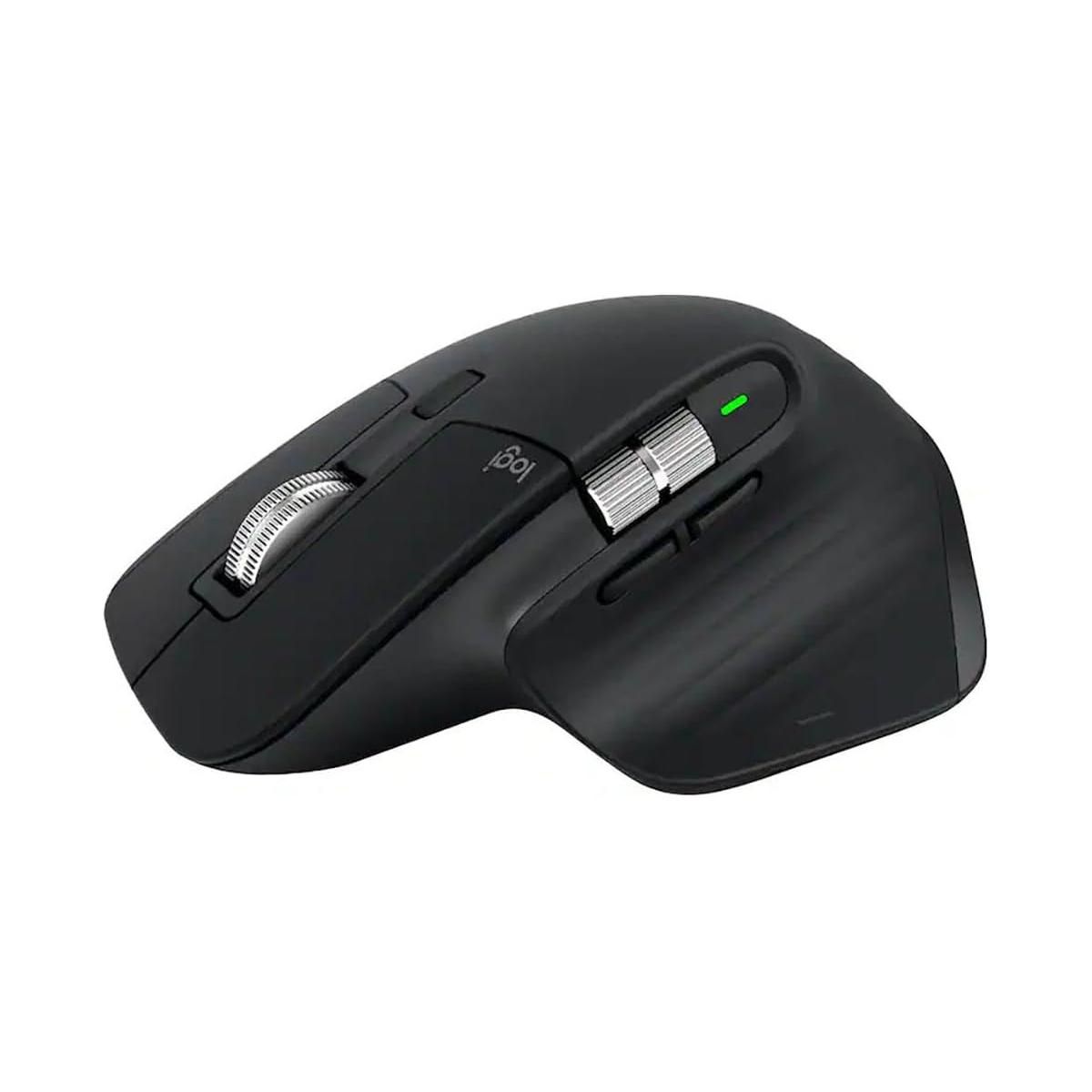
Logitech MX Master 3S
For spreadsheet people, tab hoarders, and anyone who lives in timelines, this mouse is basically a productivity tool. If you only upgrade one input device, make it the one you use for every click, drag, and scroll.
Apple Magic Trackpad (White)
If you’re on a Mac and you live on gestures, the Magic Trackpad can be a better productivity play than a mouse, especially for multi‑desktop workflows, quick navigation, and precision edits.

CONNECTIVITY: ONE CABLE TO RULE THEM ALL
CalDigit TS4 Thunderbolt 4 Dock
A great dock makes your desk feel like a desktop even when you’re using a laptop. The TS4 is the “I want all the ports and I want them to just work” option.

Anker 575 USB‑C Docking Station (13‑in‑1)
If you need more ports, but don’t need to go full Thunderbolt dock, a USB‑C dock like this is an easy way to simplify your daily plug/unplug routine.

LIGHTING: REDUCE GLARE, LOOK BETTER ON CAMERA
BenQ ScreenBar Halo 2 (Monitor Light Bar)
A monitor light bar is one of those upgrades that feels subtle… until you use it for a week and notice you’re less squinty at 4 p.m. It adds desk lighting without stealing desk space.

Logitech Litra Glow (Key Light)
If you’re on camera a lot, a small key light can make you look more awake than you feel. This is the simplest way to improve your lighting without rearranging your whole room.

VIDEO + AUDIO: MEETINGS, PODCASTS, AND “CAN YOU HEAR ME NOW?”
Logitech Brio 500 Webcam
A better webcam won’t fix bad Wi‑Fi, but it will make you look clearer and more consistent across calls. For a desk setup that’s doing real work, a dedicated webcam is still a worthwhile upgrade.

Elgato Wave:3 USB Microphone
If you lead meetings, record voiceovers, or just want to stop sounding like you’re speaking through a laptop fan, a USB mic is a practical upgrade. The Wave:3 is a popular desk-friendly option that doesn’t require audio‑engineer energy.

Sony WH‑1000XM6 Noise‑Canceling Headphones
Noise cancellation is productivity. If you’re working near family, roommates, or just a loud street, good ANC headphones can be the difference between “deep work” and “why am I re-reading this sentence.”

POWER + CABLE MANAGEMENT: MAKE THE DESK FEEL CALM
Belkin 12‑Outlet Surge Protector (3,940 Joules)
If your setup includes a monitor, a dock, a desk motor, lights, and chargers, you need more outlets than you think. A quality surge protector is the boring purchase that keeps everything else from being the exciting purchase.

Anker 525 Charging Station (7‑in‑1)
The best charging setup is the one you don’t notice, because your devices are always topped up and your desk isn’t covered in random bricks.
Bluelounge CableBox
Cable management doesn’t need to be a weekend project. A cable box hides the “power strip spaghetti” that makes a clean desk feel impossible.

ERGONOMIC EXTRAS: SMALL CHANGES, BIG DIFFERENCE
Roost v3 Laptop Stand
If you work from a laptop on a desk, a stand is one of the highest ROI buys you can make, especially when you pair it with an external keyboard and mouse.

ErgoFoam Adjustable Footrest (Under Desk)
A footrest is the stealth fix for chairs that don’t quite line up with your desk height. It’s also a comfort upgrade for long sessions when you want posture support without constantly thinking about posture.

ORGANIZATION + PLANNING: GIVE YOUR BRAIN FEWER LOOSE TABS
Quartet Adjustable Glass Monitor Riser + Dry‑Erase Board
If you want desk organization without adding “stuff,” a riser can be a two-for-one: raise your screen and create a clean little staging area for notes. The dry‑erase surface is a nice bonus for quick reminders.

Rocketbook Fusion Smart Reusable Notebook
Some tasks are still faster on paper, but you don’t have to live with stacks of half-used notebooks. A reusable notebook is a neat compromise for planning, meeting notes, and daily capture.

How I picked these products
This list is built around what actually moves the needle for productivity. It leans on hardware I have used at my own desks plus current owner feedback on the models that matter; where a pick is spec-driven rather than hands-on, the section says so. Nothing here is ranked by commission — the ordering follows the buying-advice section at the bottom:
- Ergonomics first: desk height, chair comfort, and better screen positioning.
- Less friction: docking, charging, and cable management so your desk stays usable.
- Better focus: the right display space and noise control.
- Better calls: lighting, webcam, and microphone upgrades that reduce meeting fatigue.
Buying advice: where to spend (and where to chill)
- Start with desk + chair. Everything else is a nice-to-have if you’re uncomfortable.
- Then fix your screen situation. A single great monitor can beat two mediocre ones.
- Upgrade the input you use most. If you scroll all day, the mouse matters more than the keyboard.
- Make power and cables boring. When your desk is tidy, you’ll actually want to sit down and work.
FAQ
Do I need a dock if I already have a monitor?
If you’re constantly plugging in power, display, USB accessories, and audio, yes. A dock turns “every morning setup” into one cable.
Ultrawide or 27-inch 4K?
Ultrawide is amazing for side-by-side workflows. A 27-inch 4K is the safe pick for crisp text and general productivity. If you do both creative work and documents, 27-inch 4K is easier to live with.
Is a standing desk worth it if I don’t stand much?
It can be. The real win is changing positions throughout the day — even if that’s just adjusting your sitting height and taking a few standing blocks.
Stay tuned to the Best Of section for more roundups like this. I’m planning to do one every week in 2026.
Let’s see if I can stick to that promise.


